Our product

/ Case study / Open-source plugin

Two-way WhatsApp messaging between Claude Code and your phone

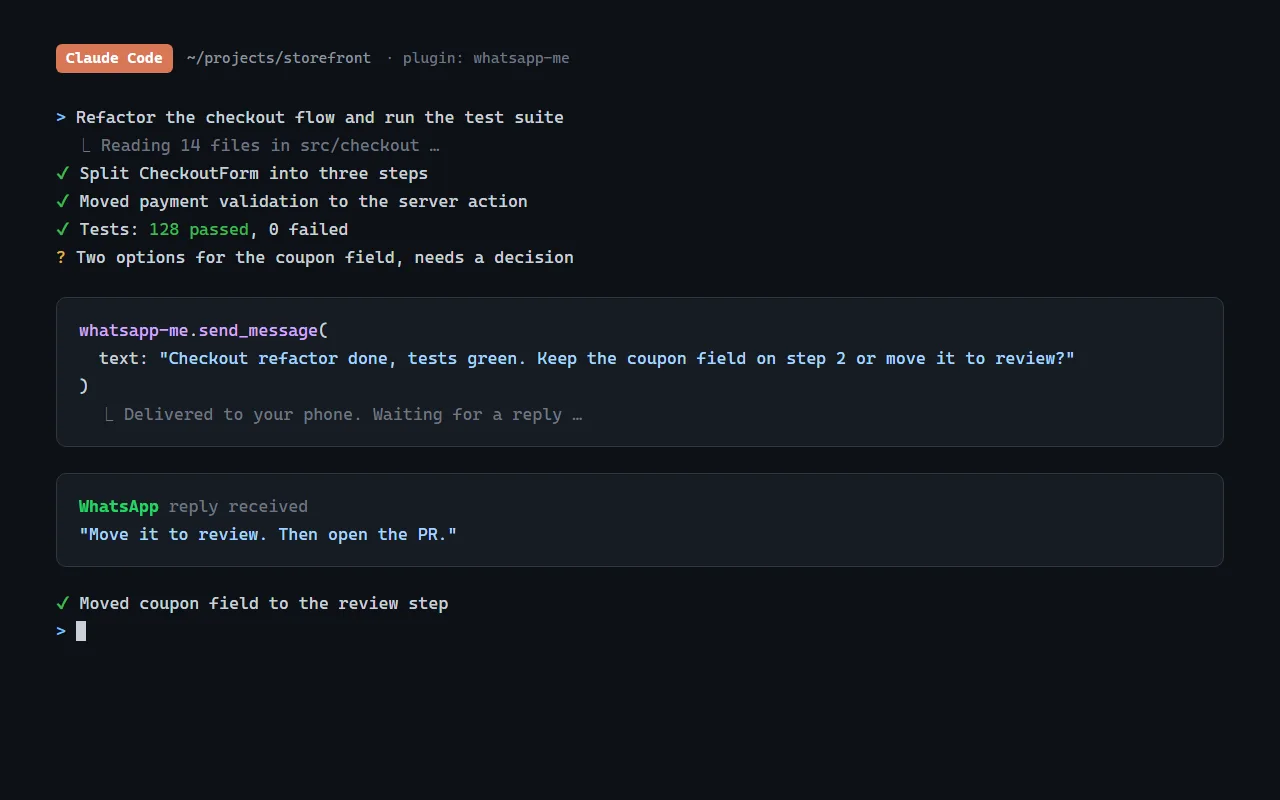
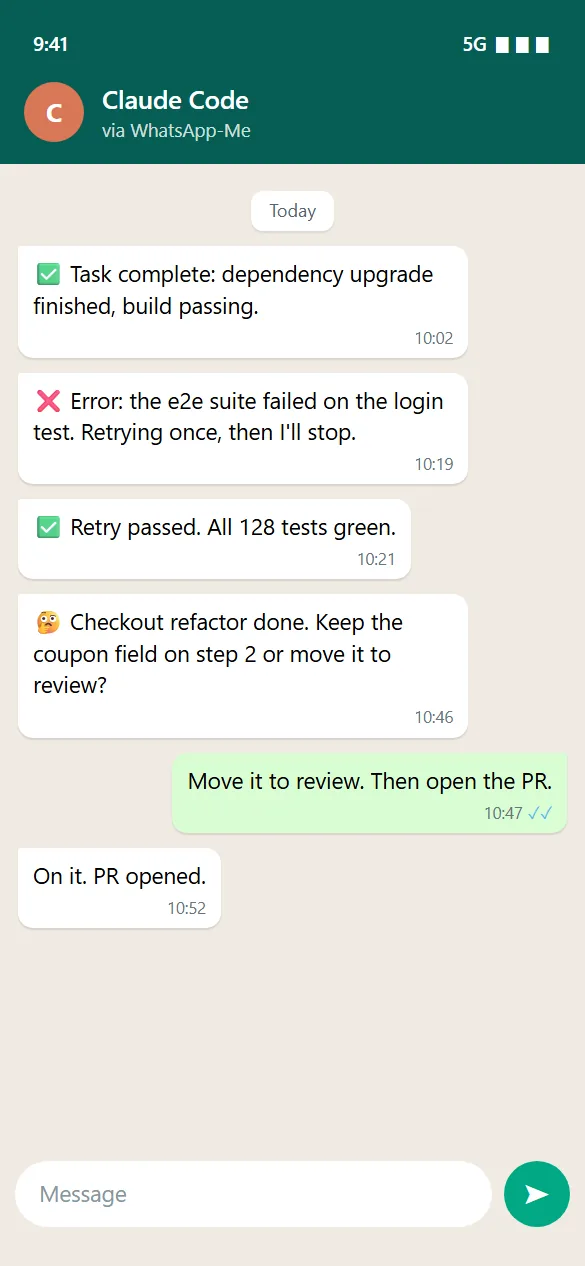
WhatsApp-Me is an open-source plugin that connects Claude Code, Anthropic's AI coding agent, to WhatsApp. Claude messages you when it finishes a task, hits an error or needs a decision, and your reply goes straight back into its workflow. It runs on an MCP server, the Meta WhatsApp Cloud API and verified webhooks.

Client
WhatsApp-Me
Industry
Developer tools for AI coding agents
Stack
TypeScriptBunMCP serverWhatsApp Cloud APIngrok webhooks

What it includes

  • Two-way WhatsApp messaging
  • WhatsApp Cloud API
  • MCP server tools
  • Signed webhook verification
  • Agent alerts and questions
  • Open source, MIT licensed
WhatsApp-Me
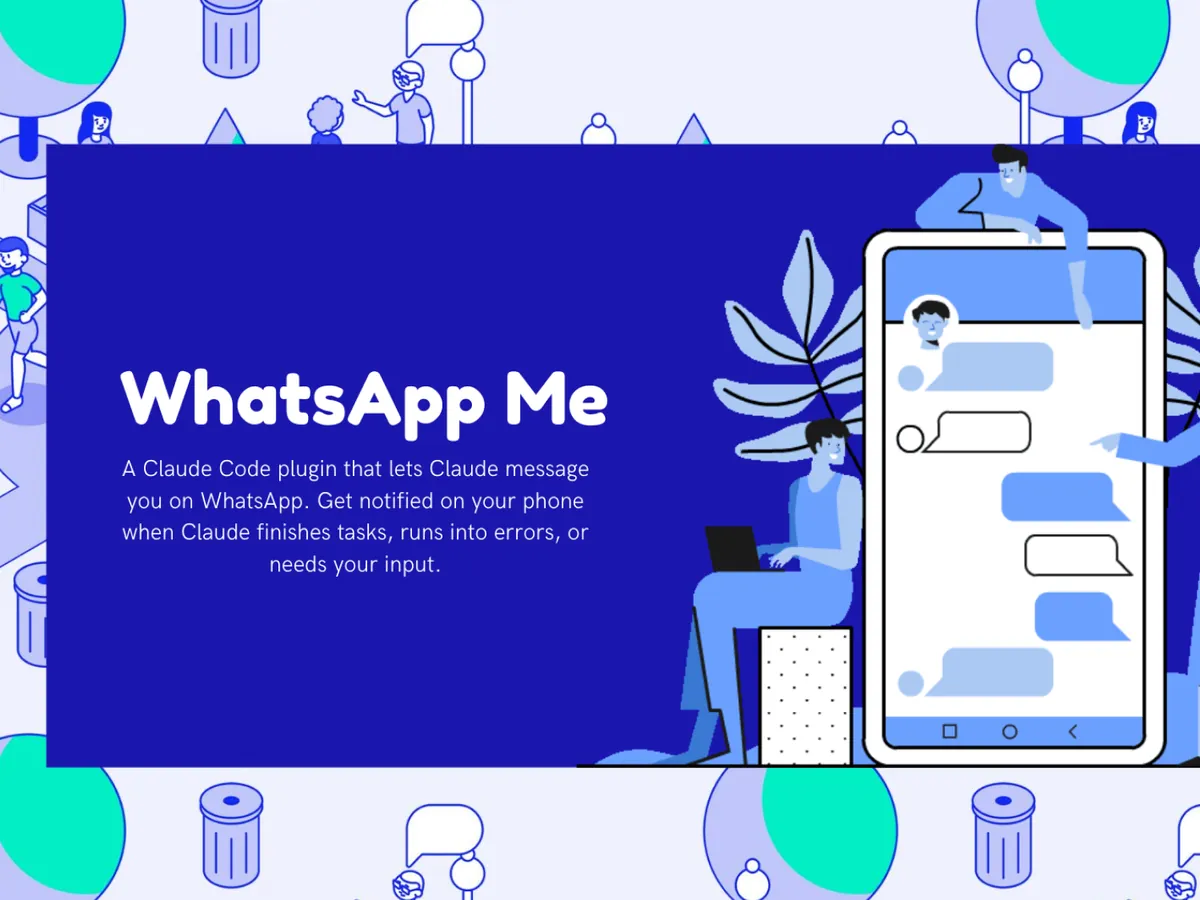
Illustration of Claude Code sending a WhatsApp-Me message and receiving a reply

/ At a glance

  • 01MITOpen-source license
  • 02Two-wayMessaging: alerts out, replies back
  • 03Five hops in the message pathPlugin, MCP server, ngrok, WhatsApp Cloud API, phone
On this page
  1. 01Watching the terminal while the agent works
  2. 02Claude messages you, and you reply from anywhere
  3. 03Five parts of the WhatsApp plugin and what each one does
  4. 04Step away from the desk while the agent keeps working

01The challenge

Watching the terminal while the agent works

AI coding agents like Claude Code often run long tasks. Developers end up watching the terminal to see when something finishes, fails or needs their input.

That wastes time and breaks focus, and it ties the developer to the desk for work the agent could be doing on its own.
02The solution

Claude messages you, and you reply from anywhere

WhatsApp-Me is a lightweight plugin. A message travels from Claude Code through the plugin to a local MCP server, out through an ngrok tunnel to the WhatsApp Cloud API, and on to your phone. Your reply comes back along the same path into the agent's workflow.

  1. 01

    Two-way messagingClaude sends a message and waits for your reply.

  2. 02

    Task alertsYou know the moment work is done.

  3. 03

    Error alertsYou hear about failures as they happen.

  4. 04

    Questions on WhatsAppYou answer Claude's questions from wherever you are.

  5. 05

    Secure webhooksIncoming messages are verified with the Meta app secret and signature validation.

03How it works

Five parts of the WhatsApp plugin and what each one does

The plugin is small, but each part has a specific job:

  1. 01

    MCP serverA local Model Context Protocol server that gives Claude its messaging tools.

  2. 02

    WhatsApp integrationThe Meta WhatsApp Cloud API for sending and receiving messages.

  3. 03

    Webhook handlerSignature verification and ngrok tunnelling for incoming replies.

  4. 04

    Claude Code pluginHooks, scripts and a skill definition that wire it into the agent.

  5. 05

    Setup guideMeta developer configuration, permanent access tokens, webhook setup and troubleshooting.

04The outcome

Step away from the desk while the agent keeps working

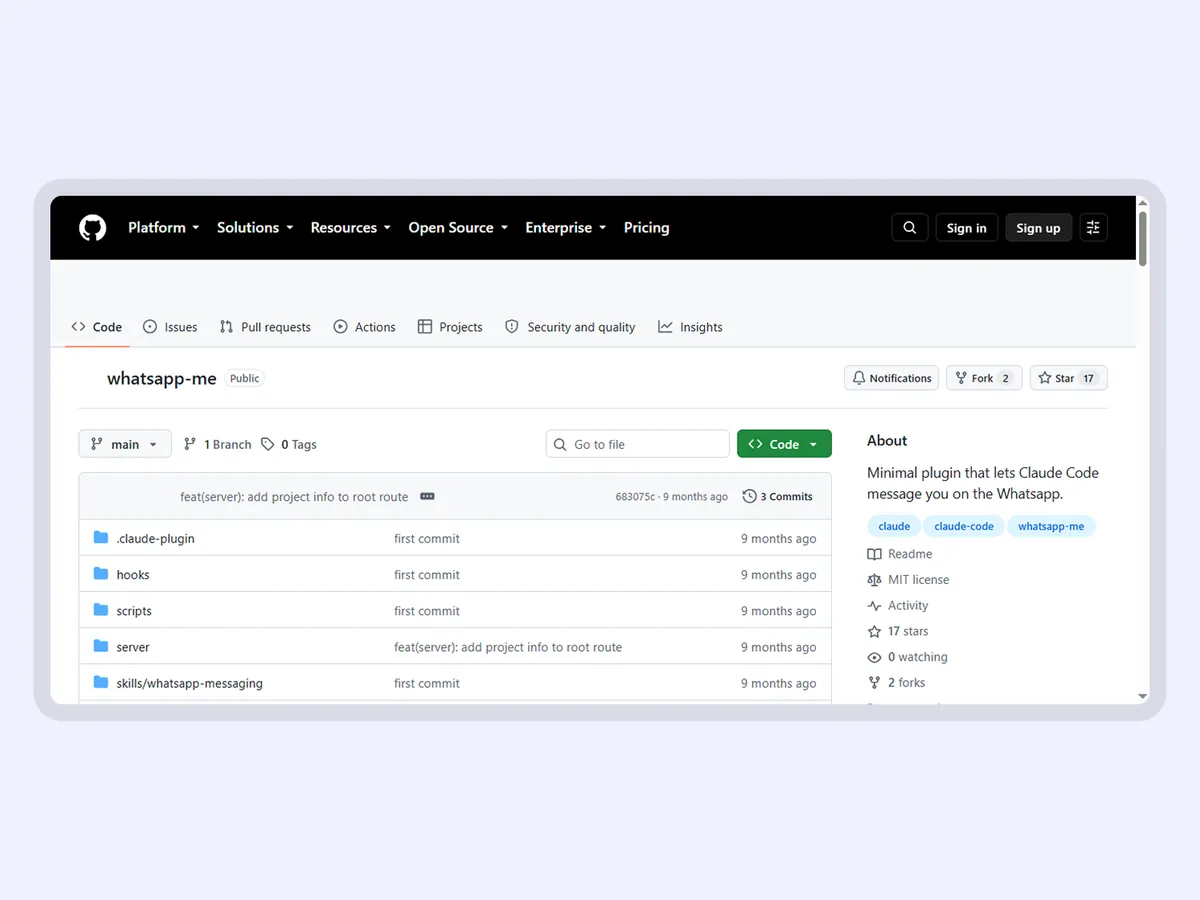
WhatsApp-Me is published on GitHub under the MIT license, where developers have starred and forked it. A developer can leave the desk while Claude Code keeps working, and still answer the moment the agent needs them.

The same idea runs through the AI systems Safock builds for clients: the agent reaches a person where they already are, and waits for that person before it goes further.

/ Gallery

  • WhatsApp-Me, a Claude Code plugin that messages you on WhatsApp
  • The whatsapp-me repository on GitHub

/ FAQ

About this project

What do I need to run WhatsApp-Me?

You need Claude Code, a Meta developer app with the WhatsApp Cloud API, a permanent access token and an ngrok tunnel for incoming webhooks. The setup guide in the GitHub repository covers the Meta developer configuration, the token, webhook setup and troubleshooting. The plugin itself is free to use and modify under the MIT license.

Can Safock connect our own AI agent to WhatsApp?

Yes. WhatsApp-Me shows the pattern we use: the agent sends a message, waits for the reply, and rejects any incoming webhook whose Meta signature does not check out. For a business, the same approach runs on the WhatsApp Business Platform under your company's Meta account. Cost depends on the systems involved, and we give a fixed quote after discovery.

/ Next step

Want an AI agent wired into the tools your team already uses?

Tell us what you are working on. You will speak with a founder, and you will leave the call with a clear next step, even if that step is not us.

Prefer writing? Send us a brief and a founder will reply.

WhatsApp usBook a call