Workflow automation services
Workflow automation services that take the repeat work off your team
Workflow automation services turn a repeatable workflow, such as an approval, an invoice run or a weekly report, into software that carries it from trigger to finish without anyone pushing each step along. Safock builds them for operations, finance and sales teams that repeat the same steps across email, spreadsheets and SaaS tools. We map the workflow with the people who run it, build it in n8n, Make, Zapier or custom code, and hand over a system you own, with documentation and monitoring in place.
Free toolDownload 3 free n8n templates/ The problem
What this fixes
- 01
Approvals sit in someone's inbox
A purchase request or a discount waits until the approver remembers it. Nobody can see where it is stuck, so people chase it by phone and the request ages.
- 02
The same data gets typed twice
Sales records a deal in the CRM, then finance re-keys it into the invoicing tool. Each retype is a fresh chance for a wrong amount or a missed client.
- 03
Reports eat the start of the week
Someone exports three spreadsheets, pastes them together and repairs broken formulas before the management meeting. By the time anyone reads the numbers, they are already out of date.
- 04
New enquiries wait overnight
A lead fills in your form at 9pm and hears nothing until someone checks the next afternoon. A buyer comparing suppliers rarely waits that long.
/ What we build
Workflow automation, built for your systems
- 01
Approval workflows
Requests route to the right approver by amount, department or site, with reminders and escalation built in. Every decision is logged with who approved it and when.
- 02
Invoicing and payment follow-up
Invoices generate from closed deals or logged hours and go out on schedule. When a payment lands, the record updates, and overdue accounts get a reminder sequence you wrote.
- 03
Employee and client onboarding
One form creates the accounts, documents, welcome emails and tasks a new hire or client needs, in the same order your team follows today.
- 04
Scheduled reporting
Figures pull from your CRM, accounting tool and spreadsheets on a schedule and arrive as a dashboard or an email summary before the meeting starts.
- 05
Lead capture and follow-up
Enquiries from web forms, ads and WhatsApp land in your CRM, get an owner, and receive a first reply straight away. Follow-ups continue until a person picks the lead up.
/ How it works
The detail behind it
We map the process before we automate any of it
Automating a messy process makes it fail faster. So the first step is discovery: we sit with the people who do the work and write down every step, who owns it, which system it touches, and what happens when a field is missing or an approver is on leave.
That map often shows steps that can be dropped before any automation is built. It also tells us where a person must stay in the loop, such as signing off a payment above a set amount. You get the map as a document, and it becomes the specification we build against.
- The trigger that starts the process and the outcome that ends it
- Each system involved and how it can be reached (API, webhook, export or email)
- Decision rules, thresholds and who can override them
- Exceptions, and who should hear about each one
- How long each step takes today, so savings can be measured later
Low-code or custom code, chosen per process
n8n, Make and Zapier suit processes that connect SaaS tools with existing connectors, run at moderate volume, and need to be editable by your team. They are quick to build and easy to change. We often recommend self-hosted n8n when data control or running costs matter, because you can run it on your own cloud account.
Custom code fits when the logic is heavy, volumes are high, the process needs its own database and screens, or access rules must be strict. For a development agency, Safock replaced four SaaS subscriptions and a master spreadsheet with one platform that carries work from deal to client, project, time, invoice and Stripe settlement, with Postgres row-level security controlling who sees what. Bollard, our procurement product, runs requisitions, approval workflows, purchase orders and three-way match with the controls enforced in the database itself.
Many projects use both. A custom system holds the core records, and low-code workflows handle the notifications and hand-offs around it.
Workflows that report their own failures
An automation that fails quietly is worse than the manual process it replaced, because people stop checking. We design every workflow on the assumption that an API will time out, a field will arrive empty, or a vendor will change a format.
Each automation gets an owner on your side and a clear route for problems. Routine failures retry on their own. Anything that cannot recover lands in a queue with enough context for a person to fix it in minutes.
- Retries with back-off for temporary errors such as rate limits and timeouts
- Duplicate protection, so a rerun does not send two invoices
- Alerts to email, Slack or WhatsApp when a run fails or stalls
- Run logs showing what each execution did and with which data
- A weekly summary of runs, failures and items waiting for a person
What workflow automation services cost, and how we measure the hours saved
We record a baseline during discovery: how long the task takes per run and how many runs happen each month. After launch, the run logs give the real volume, and the exception queue shows how much work still needs a person. The difference between the two is the time your team gets back, measured on your own numbers.
Cost depends on the number of steps and systems, whether those systems have usable APIs, how many exception rules the process carries, and whether it runs on a low-code platform or custom code. You get scope, milestones and pricing up front in the proposal, and a fixed quote follows discovery. Delivery runs in short sprints with demos, and every launch includes 30 days to 3+ months of support, with long-term maintenance available.
/ How we work
From first call to a system your team runs
- 01
Discovery
We start with your workflows, goals, and constraints, so we solve the problem you actually have.
- 02
Proposal & architecture
A clear scope, timeline, milestones, and system design, with honest pricing before any build starts.
- 03
Agile delivery
Short sprints with regular demos, so you see working software early and can steer as it takes shape.
- 04
Launch
Deployment, optimization, and security hardening are included. Nothing ships unless it is safe and secure.
- 05
Support & growth
30 days to 3+ months of support after launch, with long-term maintenance available as you grow.
- 06
Your team, enabled
Documentation and training so your people can operate and extend the system on their own.
/ Proof
Work that shows how we build
- Client workProfessional services, software developmentClient work / Professional services, software development
A software development agency
One internal platform for a development agency, covering deal, project, time, invoice and Stripe settlement, in place of four SaaS tools.
- Postgres row-level security
- Idempotent Stripe webhooks
- Deal-to-settlement workflow
Read the case study - In-house build17Working nodes across the three templatesWorkflow automation for small businessesIn-house build / Workflow automation for small businesses
n8n workflow templates
Free n8n templates we built: website leads to Sheets and WhatsApp, overdue invoice reminders, and AI email triage with Claude.
- AI email triage
- Webhook lead capture
- Invoice reminder automation
17Working nodes across the three templates
- usebollard.com
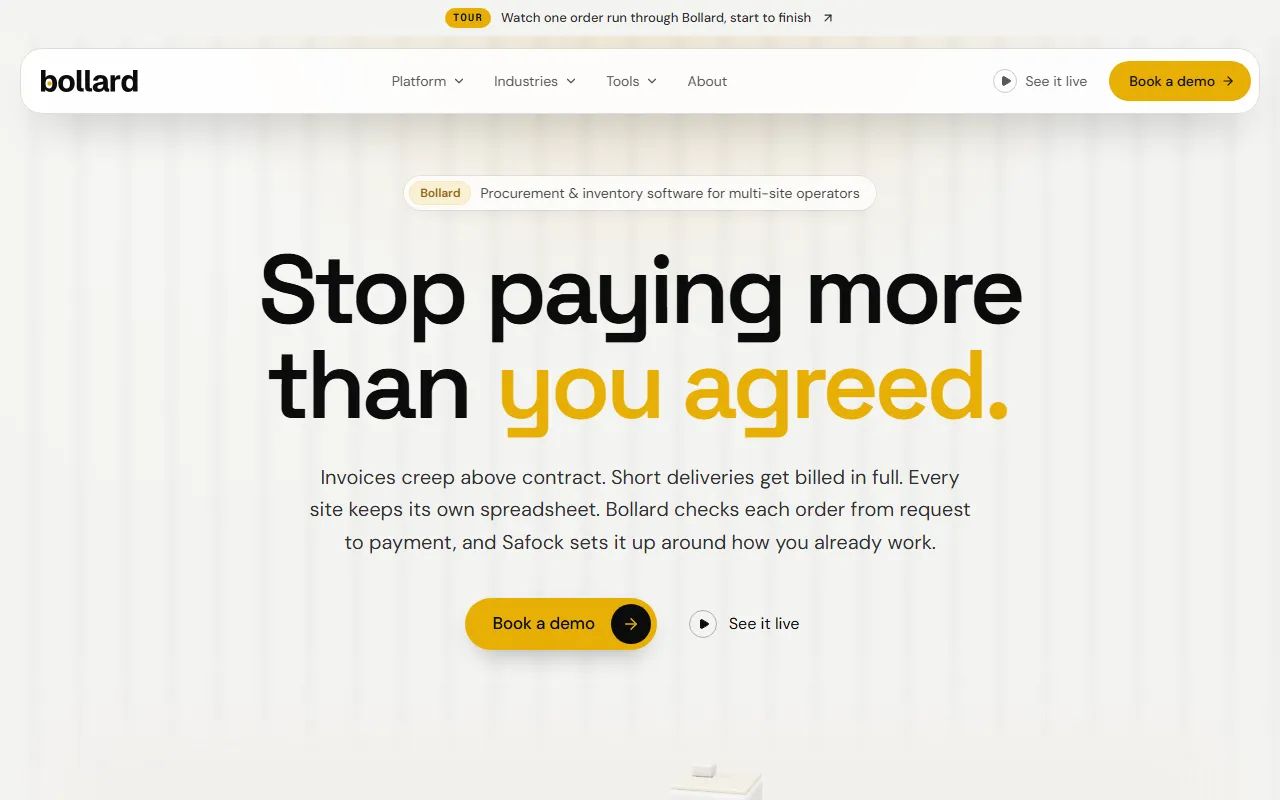
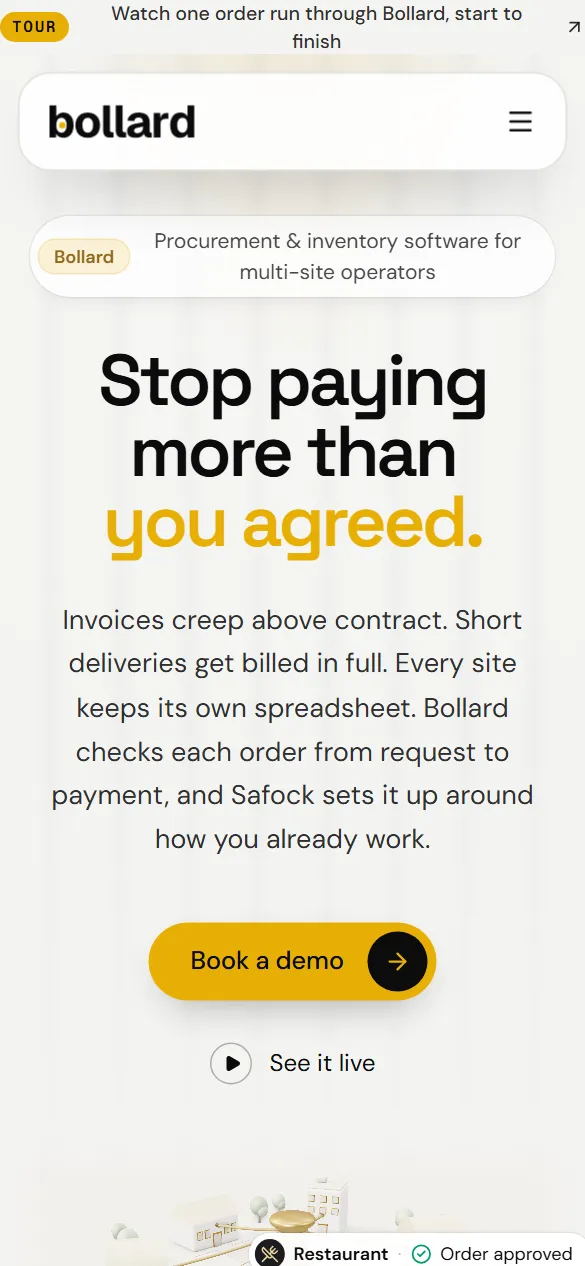 Our product / Procurement and inventory for multi-site operators
Bollard
Our own procurement and inventory software for multi-site operators: seven modules, controls enforced in the database, and an append-only audit trail.
- AI assistant on live data
- Database-enforced controls
- Append-only audit trail
14 daysPath to a first live site
/ FAQ
Questions buyers ask us
Which processes suit workflow automation?
Processes that run often, follow written rules and touch systems with APIs suit it best: approvals, invoice runs, onboarding checklists, weekly reports and lead follow-up. If a step needs someone to read free text or a scanned document, that step needs AI, which our AI automation service covers. Processes that change every month or rest on judgment calls usually stay manual, or keep a person at those steps.
Should we use n8n, Make, Zapier or custom code?
It depends on volume, data sensitivity and who will maintain the workflow. Zapier and Make are quick for low-volume links between SaaS tools. Self-hosted n8n gives you data control and predictable running costs at higher volume. Custom code suits processes that need their own database, screens or strict access rules. We recommend one per process during discovery and explain the trade-off in writing.
How much do workflow automation services cost?
Price follows scope: the number of steps and systems, API quality, exception rules, and whether the build is low-code or custom. A single workflow between two well-documented tools costs far less than a multi-department process with approvals and reconciliation. You see scope, milestones and pricing in the proposal, and we give a fixed quote once discovery is done.
How long does it take to automate a process?
Timeline depends on how many systems are involved and how quickly we can get access to them. Discovery comes first, then short sprints with a demo at the end of each, so you see working automation early and can correct course between sprints. The proposal sets out milestones for your specific process before any build starts.
What happens when an automation breaks?
Temporary errors retry automatically. Anything that cannot recover raises an alert to the named owner with the failed record attached, and the run log shows exactly which step failed. Launch includes 30 days to 3+ months of support, and long-term maintenance is available if you want us to watch for vendor API changes and fix issues as they appear.
Who owns the workflows and the accounts they run in?
You do. Automations run in accounts registered to your company, and any custom code sits in your repository with full documentation. Credentials are stored in your own secrets manager or tool settings. If you later change providers or bring the work in-house, everything you need is already in your hands.
/ Related
Often paired with
- /01n8n automation agency
n8n automation
Self-hosted n8n on your cloud, with workflows, AI agents, monitoring and Zapier or Make migrations built and maintained by Safock.
- Self-hosted n8n setup
- Workflow development
- AI agent workflows
- /02AI automation services
AI automation
Find the work worth automating, then build agents, workflows and integrations that do it inside your existing systems.
- Automation audit and roadmap
- AI agents for multi-step tasks
- Workflow automation
- /03Systems integration and API development
Systems integration
We connect payments, Google Workspace, Microsoft 365, ERPs and CRMs with APIs and webhooks that stay correct under real traffic.
- Payment gateway integration
- Google Workspace and Microsoft 365
- ERP and CRM connections
- /04Custom software development
Custom software development
CRMs, ERPs, portals and internal tools shaped to your process, with access rules in the database and code you own.
- CRMs shaped to your sales process
- ERP and operations modules
- Client, vendor and partner portals
/ Next step
Bring one process to a 30-minute call and we will map it with you
Tell us what you are working on. You will speak with a founder, and you will leave the call with a clear next step, even if that step is not us.
Prefer writing? Send us a brief and a founder will reply.